

Organizing Photos
In this video, you are going to learn how to find, browse and organize your photo library. You can import photos from your camera card, add metadata, keywords all in one step. With auto advance turned on, quickly cull through a large batch of images and apply ratings, labels and more. See how a catalog folded is created to make a shortcut for your favorite or most- used folders of photos. A folder designated as cataloged is cached in the background to improve the speed of loading those folders (and subfolders) and their photos, making it ideal for portfolios, your best photos, or your primary library of photos. See how to use Albums to create collections and utilize the Filters pane’s powerful search options.
Course Curriculum
16 lessons · 2h 44m
- 1
 Getting Set Up with ON1 Photo RAW 2019Get started with ON1 Photo RAW 2019. In this video, you will learn how to find and view your photos quickly. Learn...07:05
 - 2
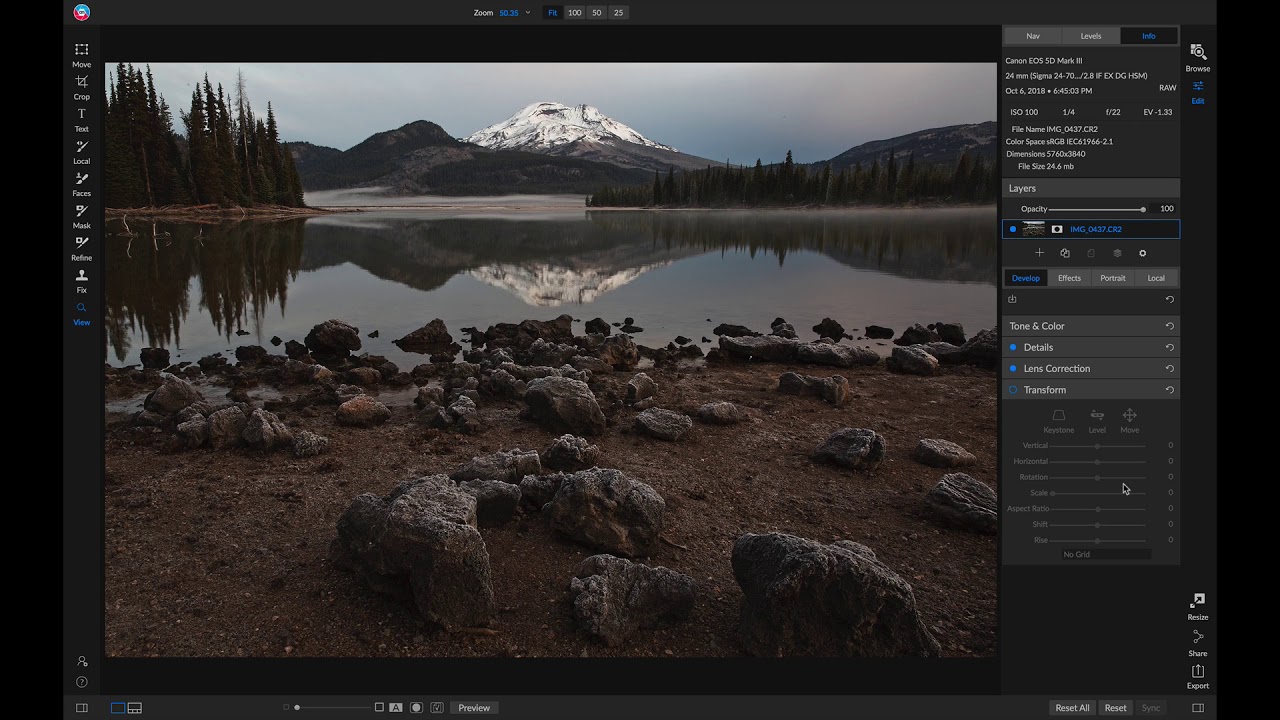 Editing Your First Photo with ON1 Photo RAW 2019In this video, you are going to see how to edit your first photo and what it means to work on images...06:56
 - 3
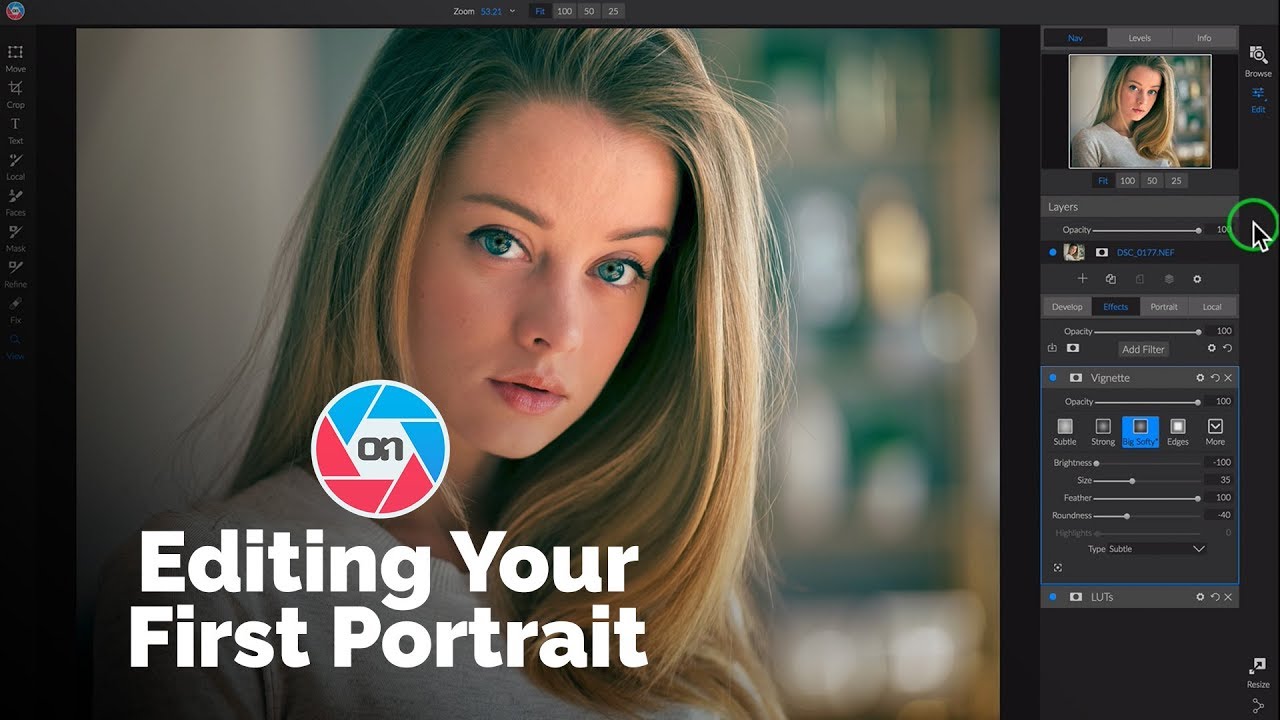 Editing Your First Portrait Photo with ON1 Photo RAW 2019Get started editing your first portrait inside ON1 Photo RAW 2019. Start by learning where your tools and develop sections are. Then...08:53
 - 4
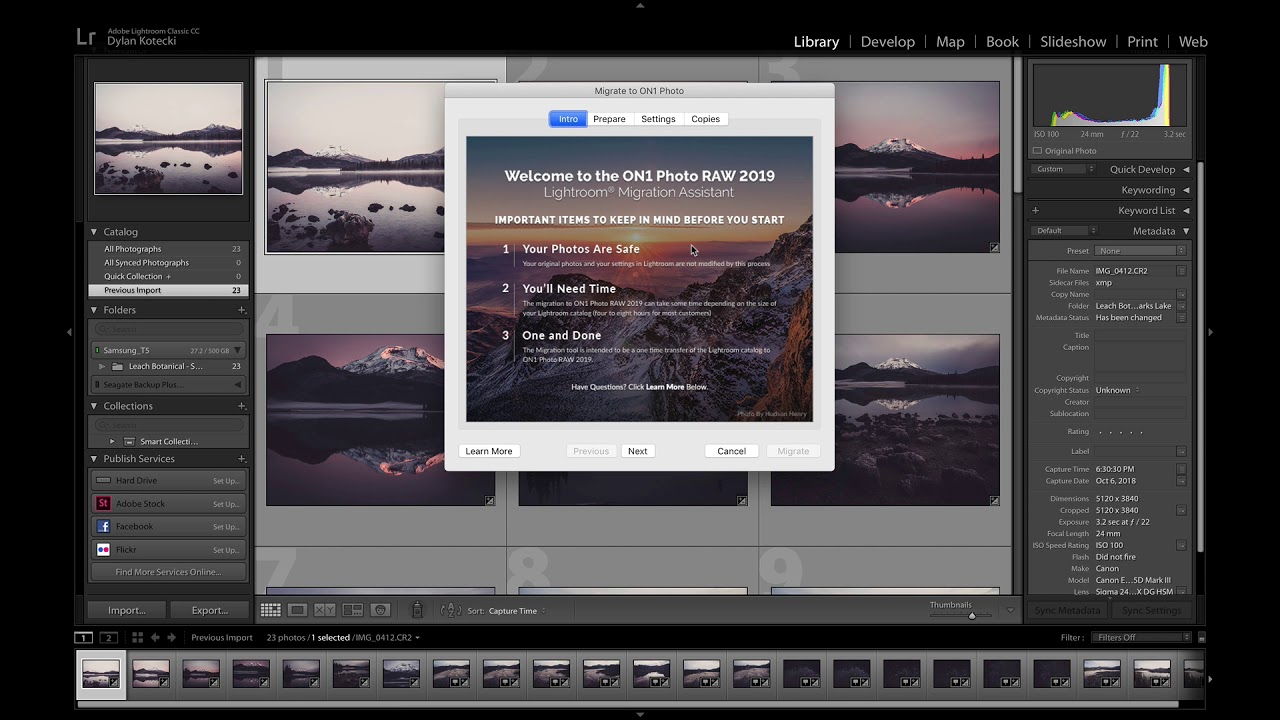 Migrating from Lightroom to ON1 Photo RAW 2019In this video, you are going to learn how to migrate your Lightroom catalog into ON1 Photo RAW 2019. The migration process...02:08
 - 5
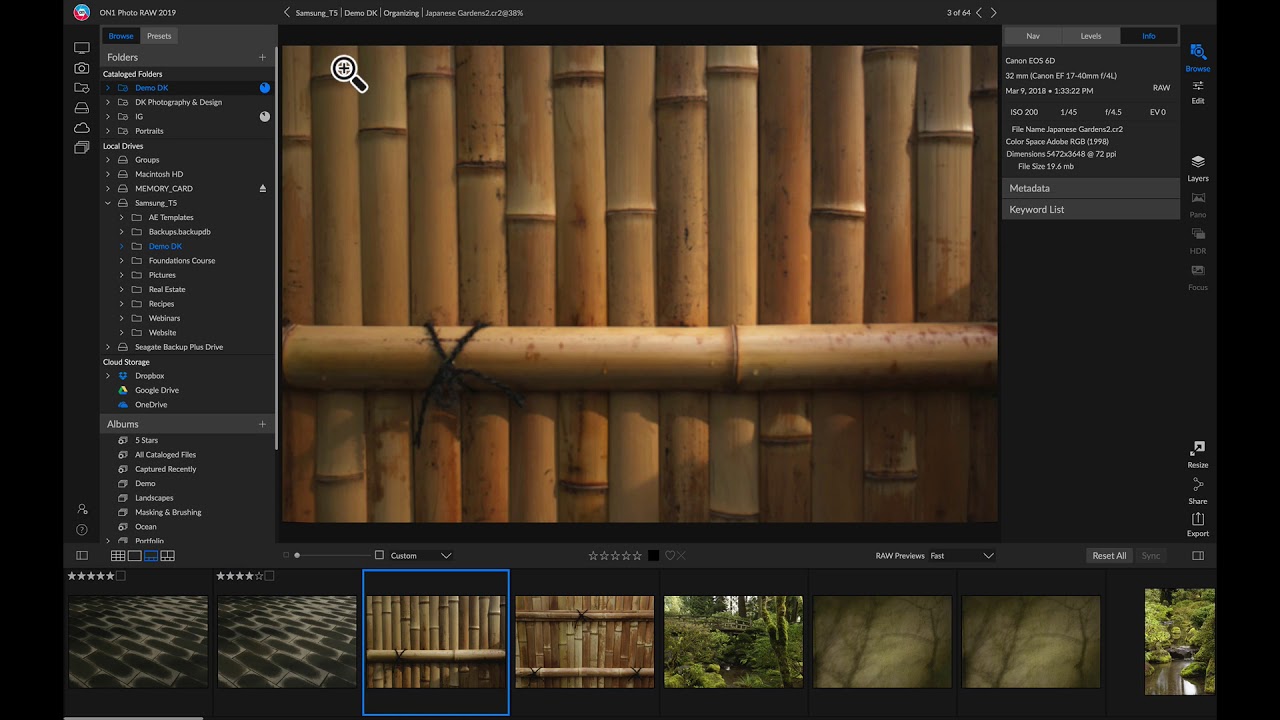 Organizing PhotosIn this video, you are going to learn how to find, browse and organize your photo library. You can import photos from...07:57Now playing
 - 6
 Using DevelopIn this video, you are going to learn how to process a photo in the ON1 Develop tab. Learn how to crop...03:00
 - 7
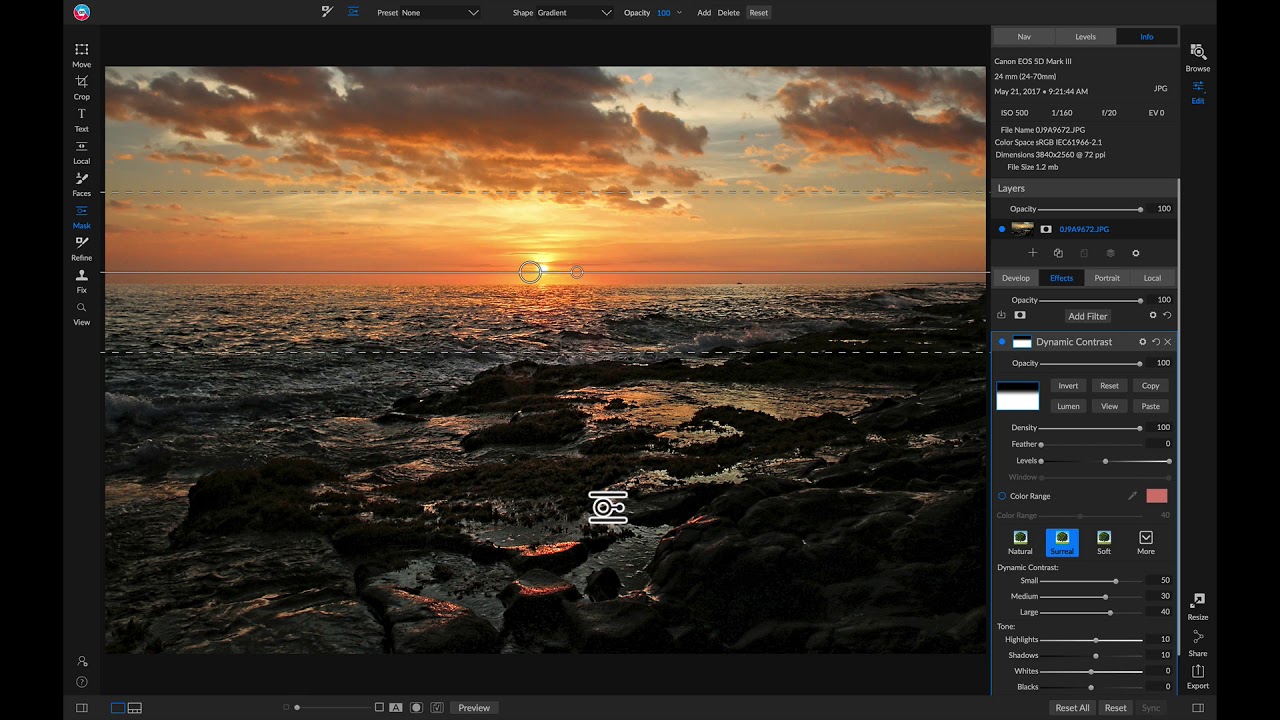 Adding & Masking FiltersIn this video, you are going to learn how to edit and mask filters the ON1 Effects tab. Using a brush and...03:59
 - 8
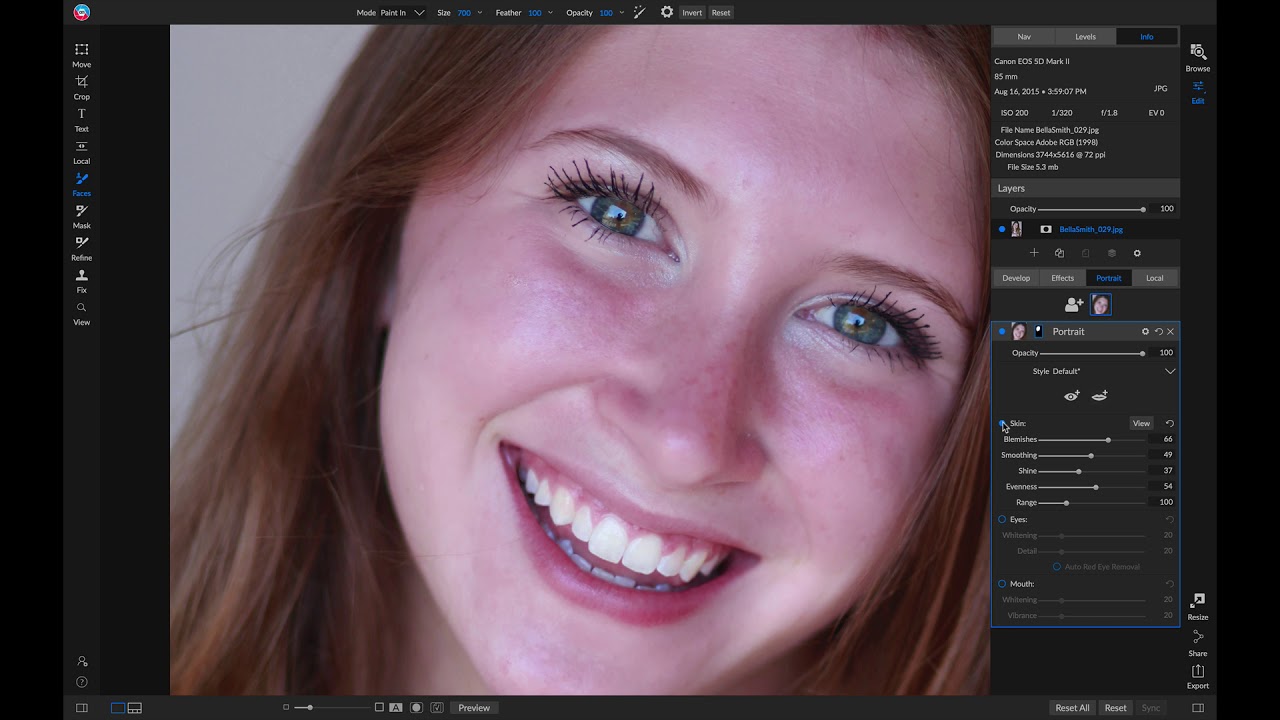 Retouching PortraitsIn this video, you will learn how to easily retouch a portrait photo. The Portrait tab in ON1 Photo RAW 2019 helps...01:57
 - 9
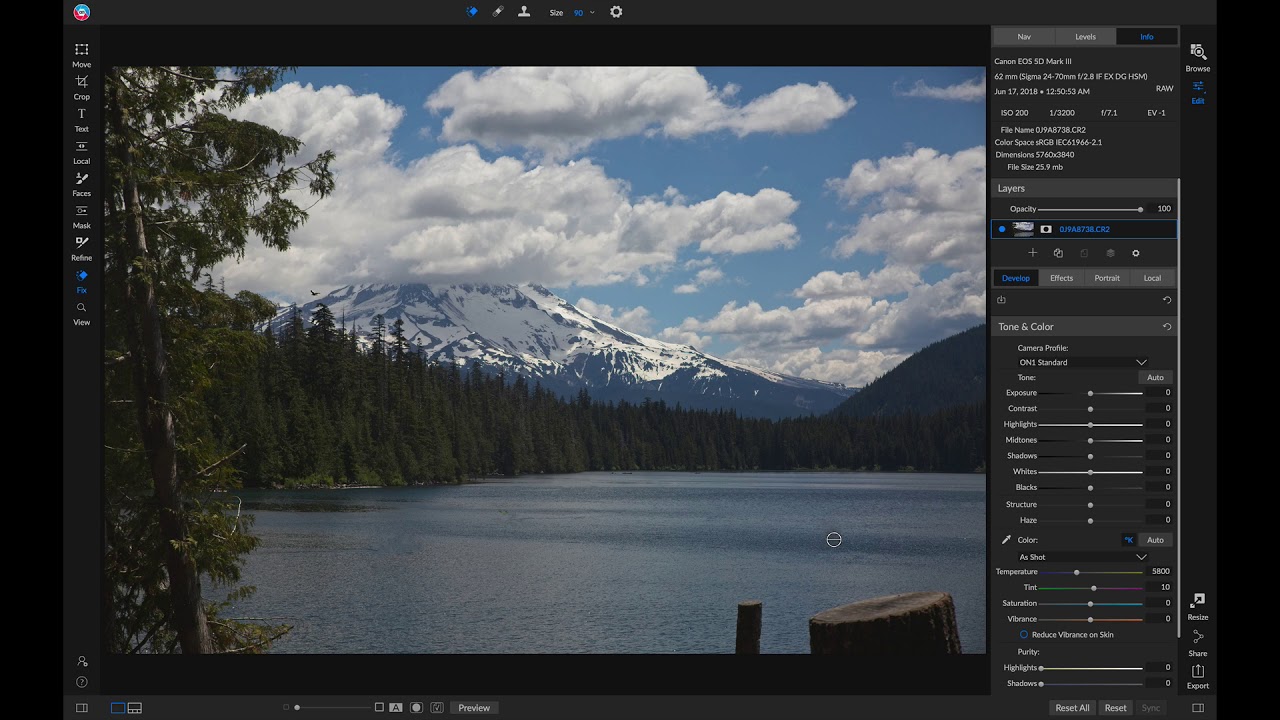 Using the Retouching ToolsIn this video, you are going to learn about the various retouching tools available in ON1 Photo RAW 2019. Each retouching tool...02:26
 - 10
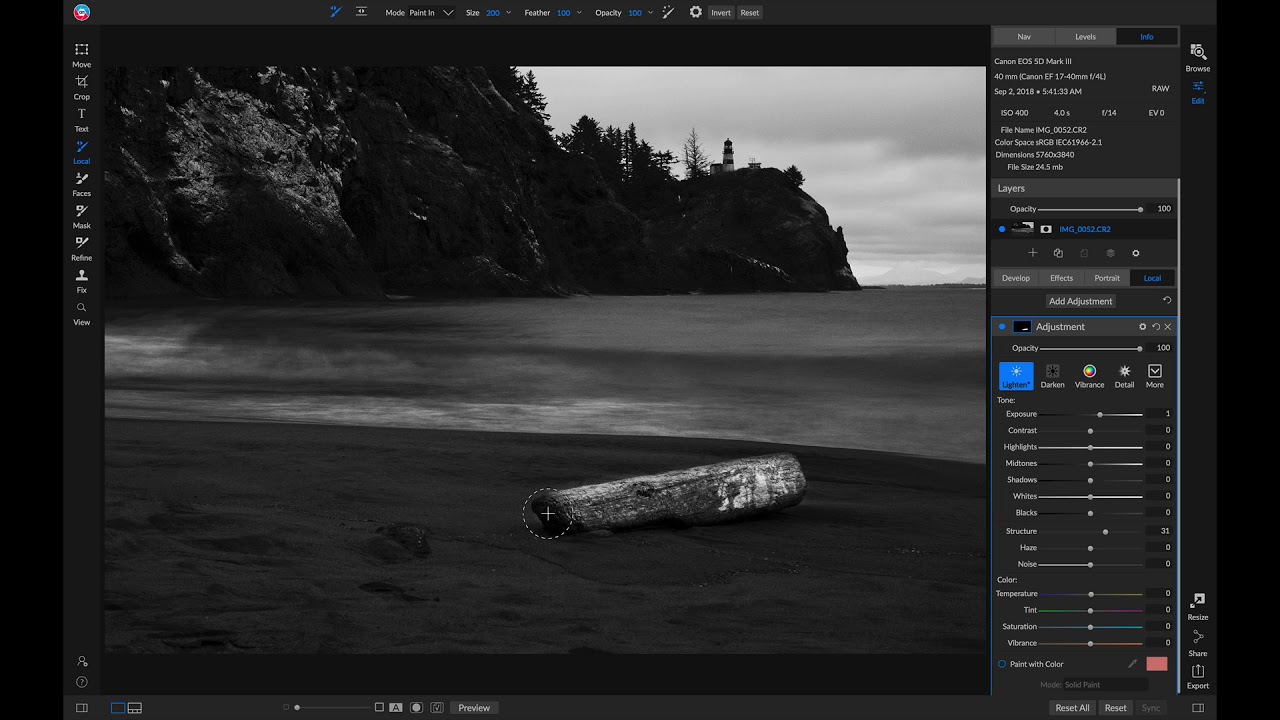 Using Local AdjustmentsIn this video, you will learn how to take advantage of the powerful Local tab in ON1 Photo RAW 2019. Local adjustments...02:29
 - 11
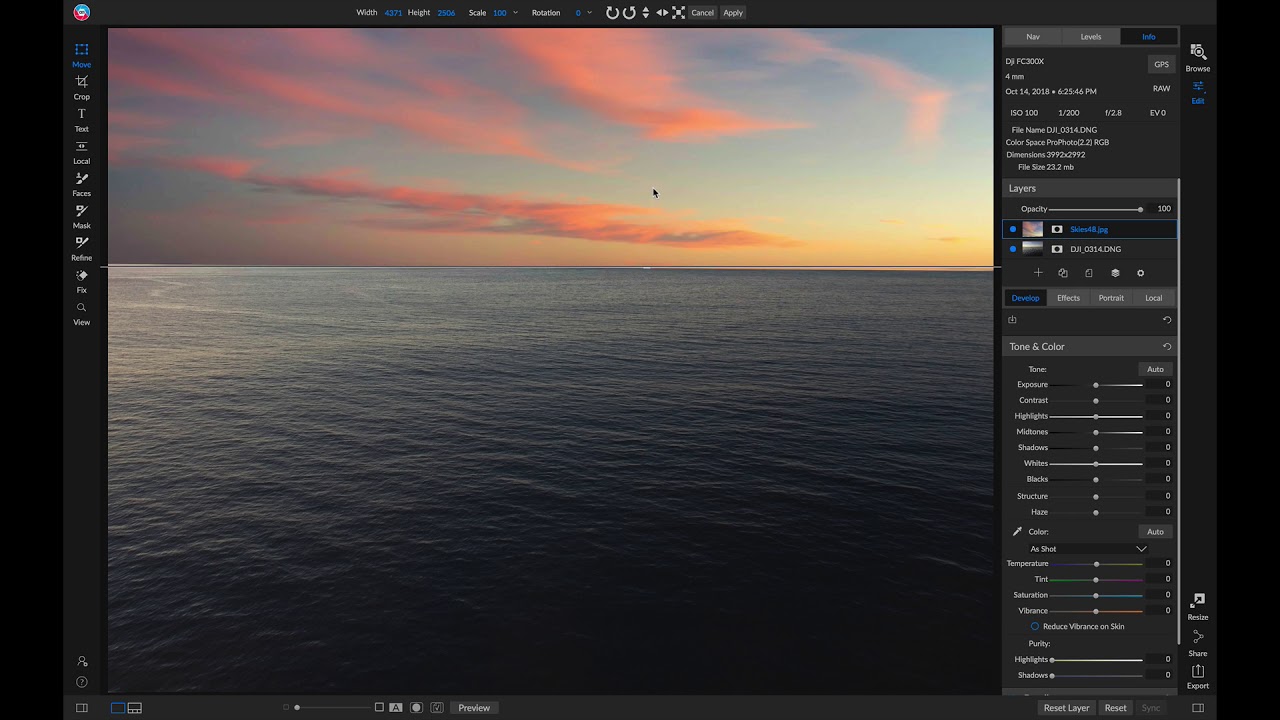 Using LayersIn this video, you will learn about the possibilities with using Layers in ON1 Photo RAW 2019. In this video, you will learn...02:13
 - 12
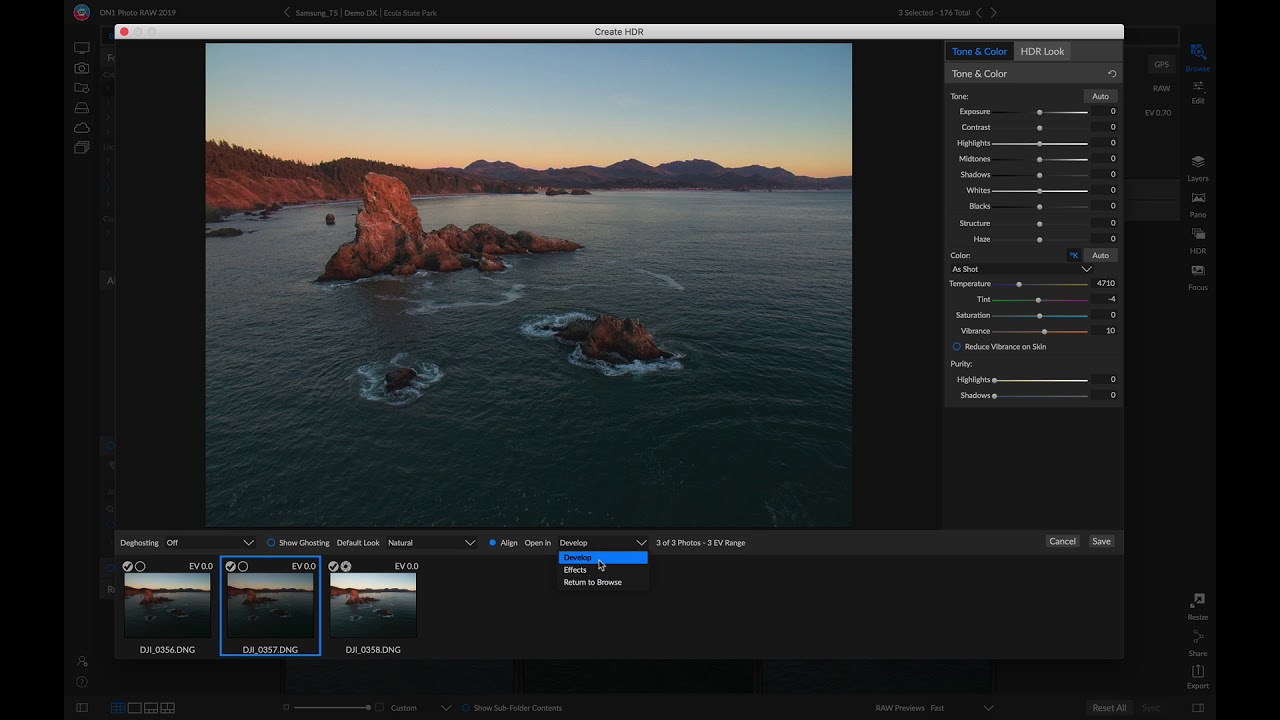 Using HDRIn this video, you will learn how to use the ON1 HDR dialog. See how to take a bracket of images and...01:40
 - 13
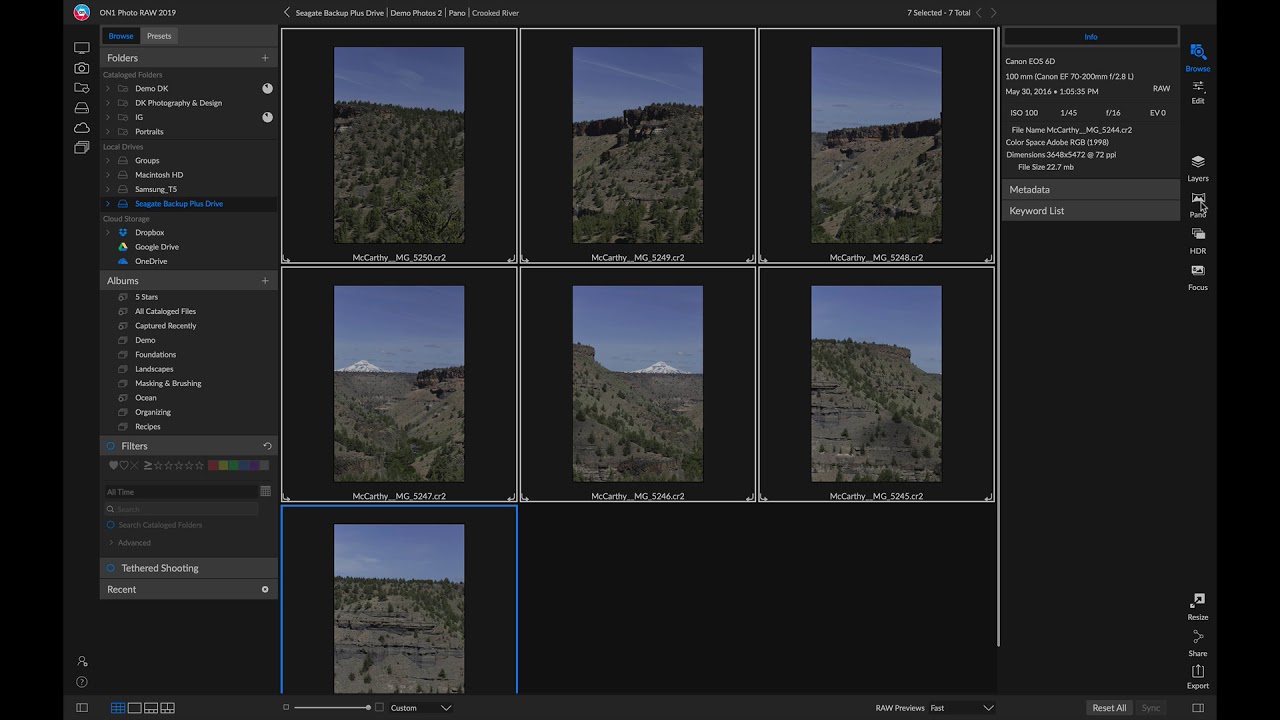 Stitching PanoramasIn this video, you will learn how to stitch multiple photos together to make a single panoramic photo. Panoramas are composite photos...01:04
 - 14
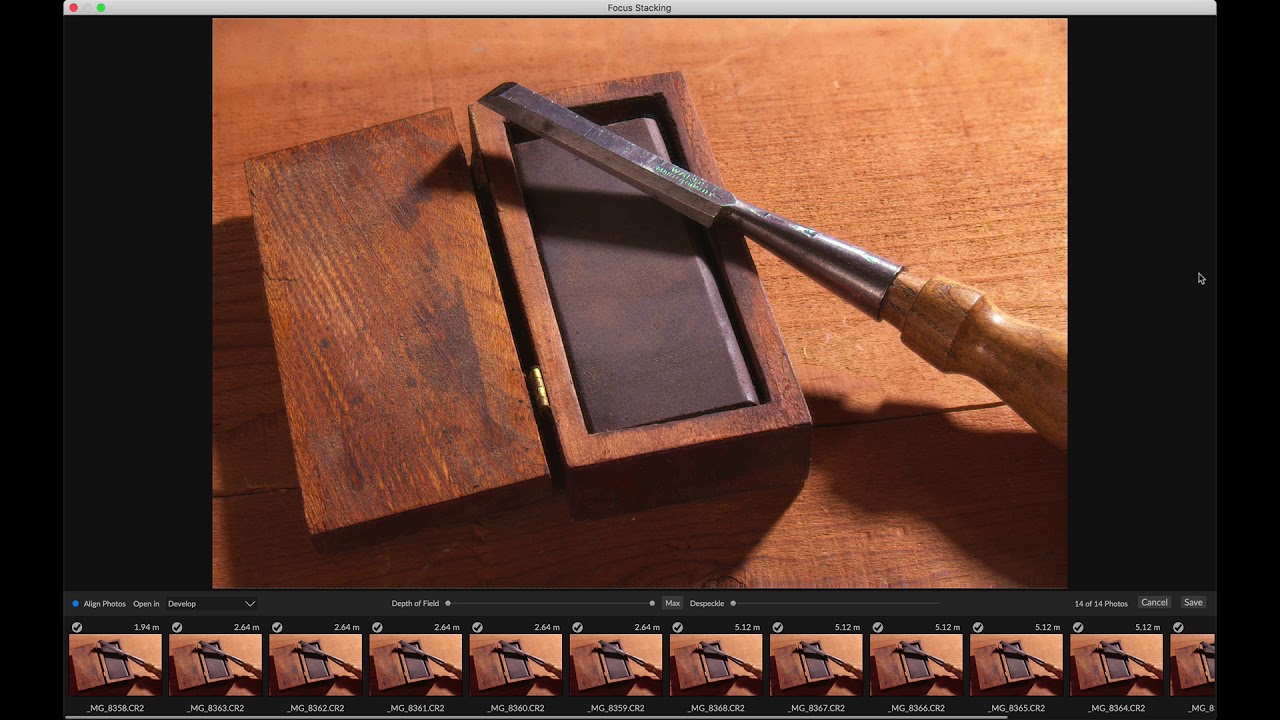 Focus StackingIn this video, you will learn how to stack a series of photos with different focus points to generate an incredibly sharp...01:14
 - 15
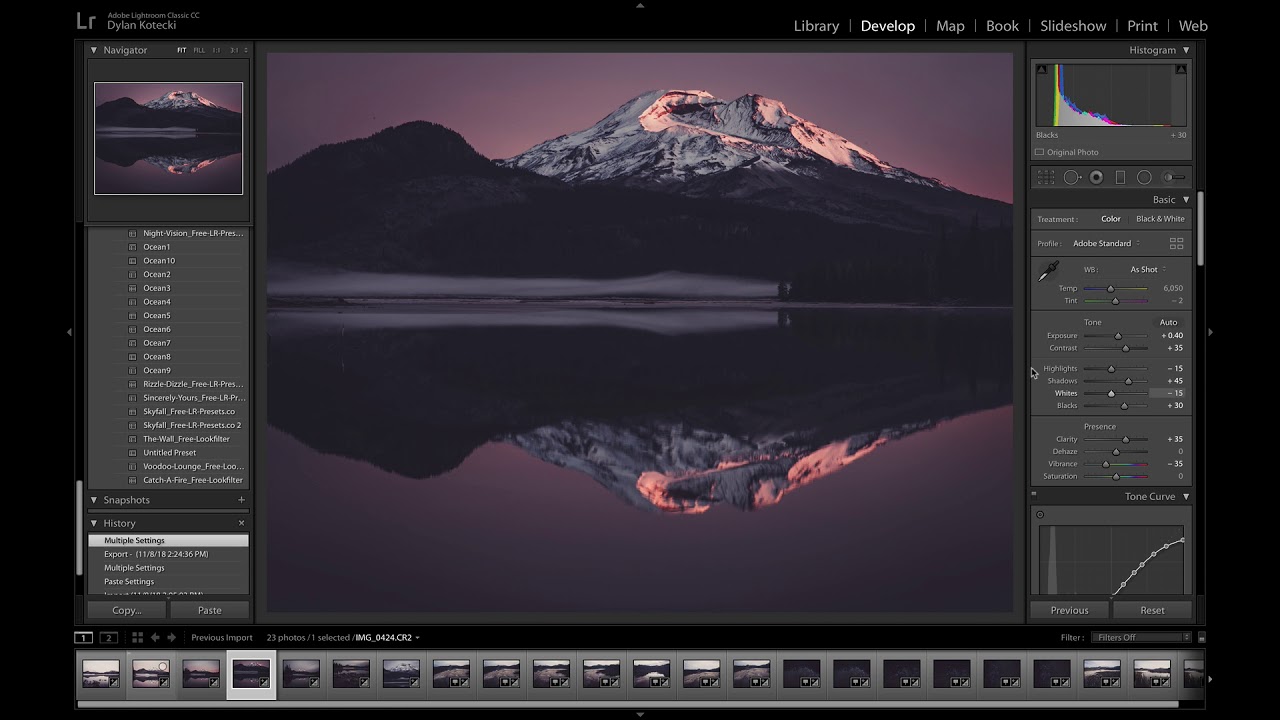 Using Photo RAW 2019 as a Plug-inIn this video, you will learn how to access ON1 Photo RAW 2019 as a Plug-in for popular host applications such as...02:59
 - 16
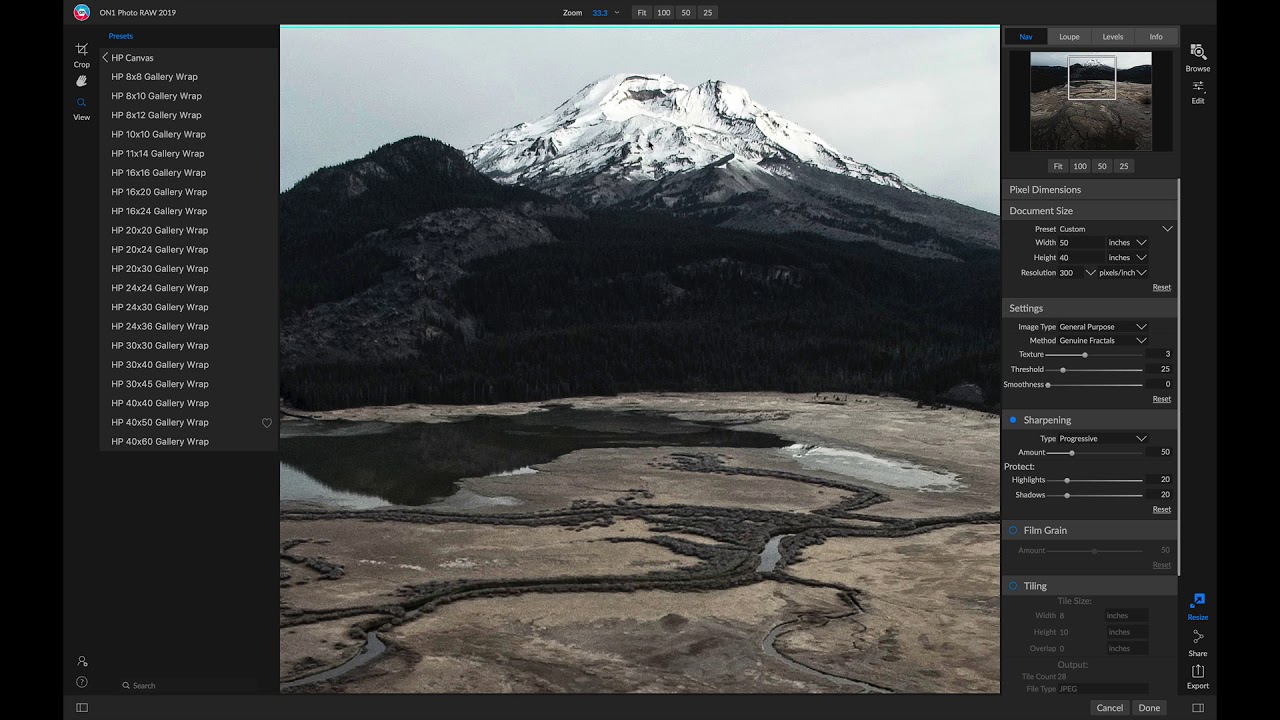 Preparing Prints, Resizing, and ExportingIn this video, you will learn about the finals steps to editing—how to print, resize and export your photos.03:29
Course Downloads
Download the course assets and watch the videos offline. This content is yours to have and keep forever.