

Learn ON1. Master Your Photography.
One hub for tutorials, guides, courses, and creative extras.
Your ON1 Learning Hub
Whether you're just getting started with ON1 or looking to sharpen your editing workflow, this is your one place to learn ON1. Explore step-by-step video tutorials, in-depth ON1 courses, detailed user guides, and a growing library of creative extras like presets, LUTs, and textures. From beginners learning how to import and edit RAW files to pros mastering advanced masking and AI photo editing tools, you'll find resources designed to grow with your photography journey.
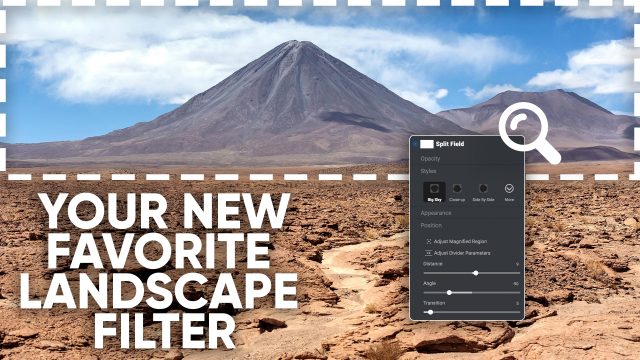

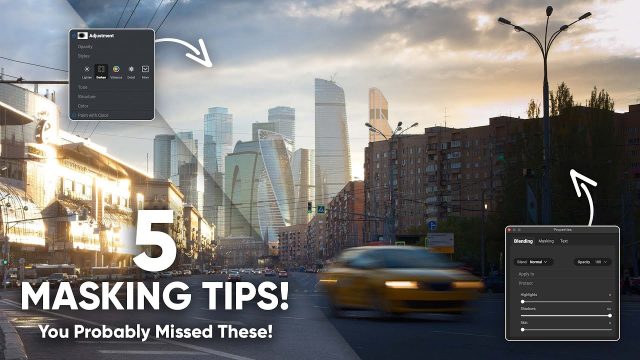










Resources

Frequently Asked Questions
Does ON1 offer courses for beginners?
Yes! ON1 offers structured beginner courses to help you learn the basics of importing, editing, and organizing photos, plus advanced courses for more experienced photographers.
How do I access ON1 user guides and ebooks?
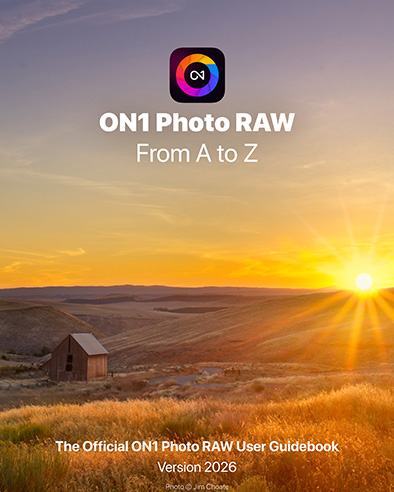
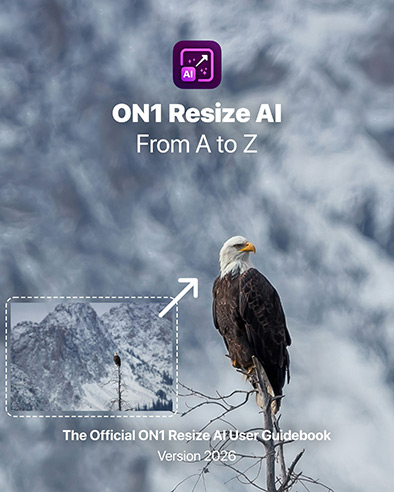
All ON1 user guides and ebook references are available in the Bookshelf section of the Learn page. They provide detailed explanations of every feature in ON1 Photo RAW and the other ON1 apps.
What are ON1 creative extras?
ON1 creative extras include downloadable presets, LUTs, textures, and more. These resources make it easy to add professional looks and creative styles to your photos and use them with ON1.
What's the best place to start if I'm new to ON1 Photo RAW?
If you're new, start with the Getting Started playlist and the ON1 Photo RAW User Guide. These resources walk you through the basics so you can feel confident right away.
Does ON1 have training on new features in Photo RAW 2026?
Yes. The Learn page includes "What's New in ON1 Photo RAW 2026" tutorials, showing you exactly how to use the latest features.
Are there short ON1 tutorials I can watch quickly?
Absolutely. Check out the Quick Tips & Tricks section, which features short videos (under 5 minutes) to help you save time and learn faster.
Does ON1 host live webinars or events?
Yes, ON1 regularly hosts live webinars where you can learn new editing techniques, see product demos, and get your questions answered in real time. You can also watch our recorded webinars.
How often is new content added to ON1 Learn?
The ON1 Learn hub is updated frequently with fresh tutorials, courses, guides, and creative extras so you always have new ways to grow your editing skills.